1. Create a document
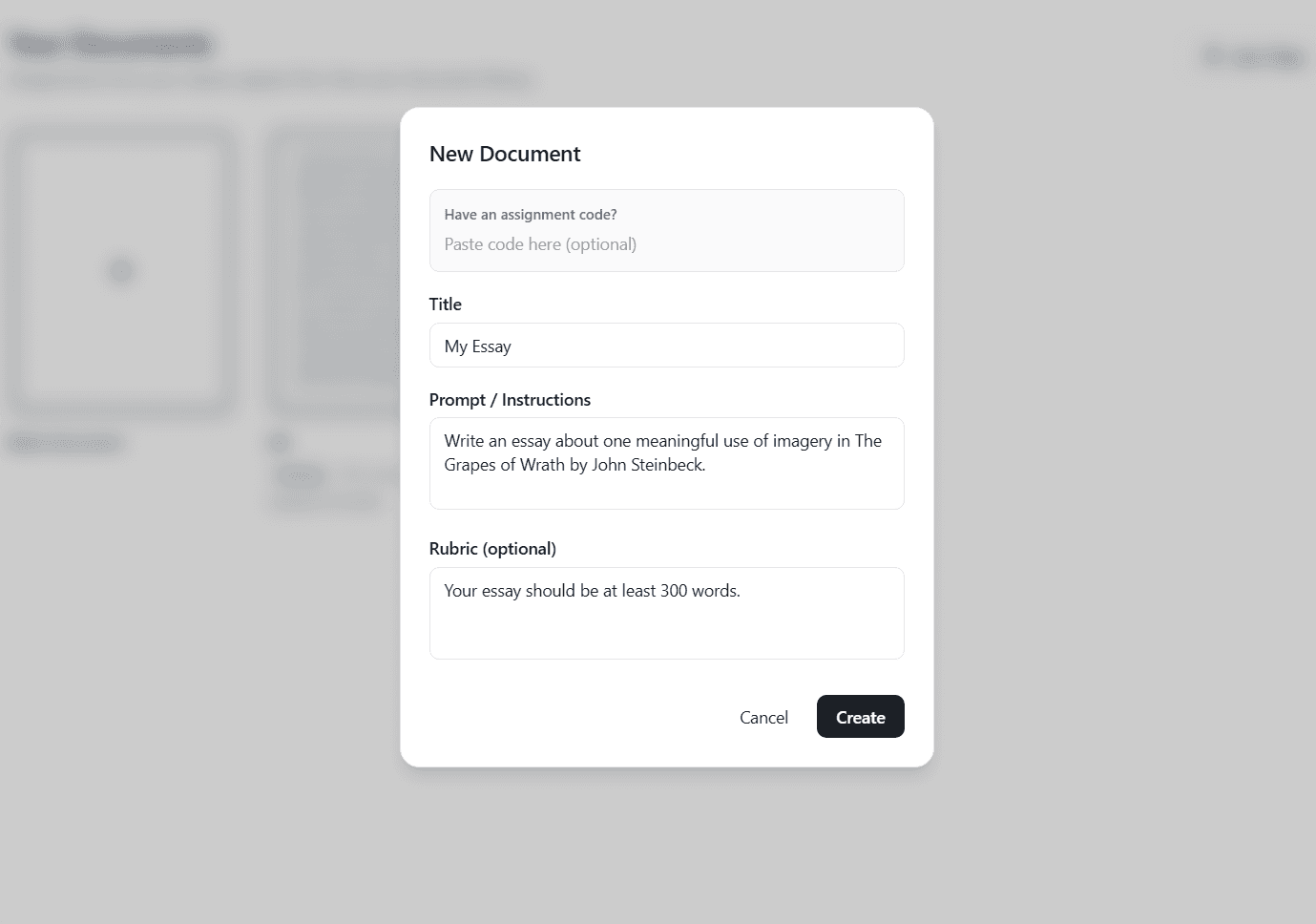
Paste your teacher's assignment code, or create a doc from scratch. You can include your teacher's prompt as well as a rubric.
Better Doc is a clean, focused writing environment for students with AI built in to handle formatting, citations, and feedback, so you can focus on what actually matters: your argument.
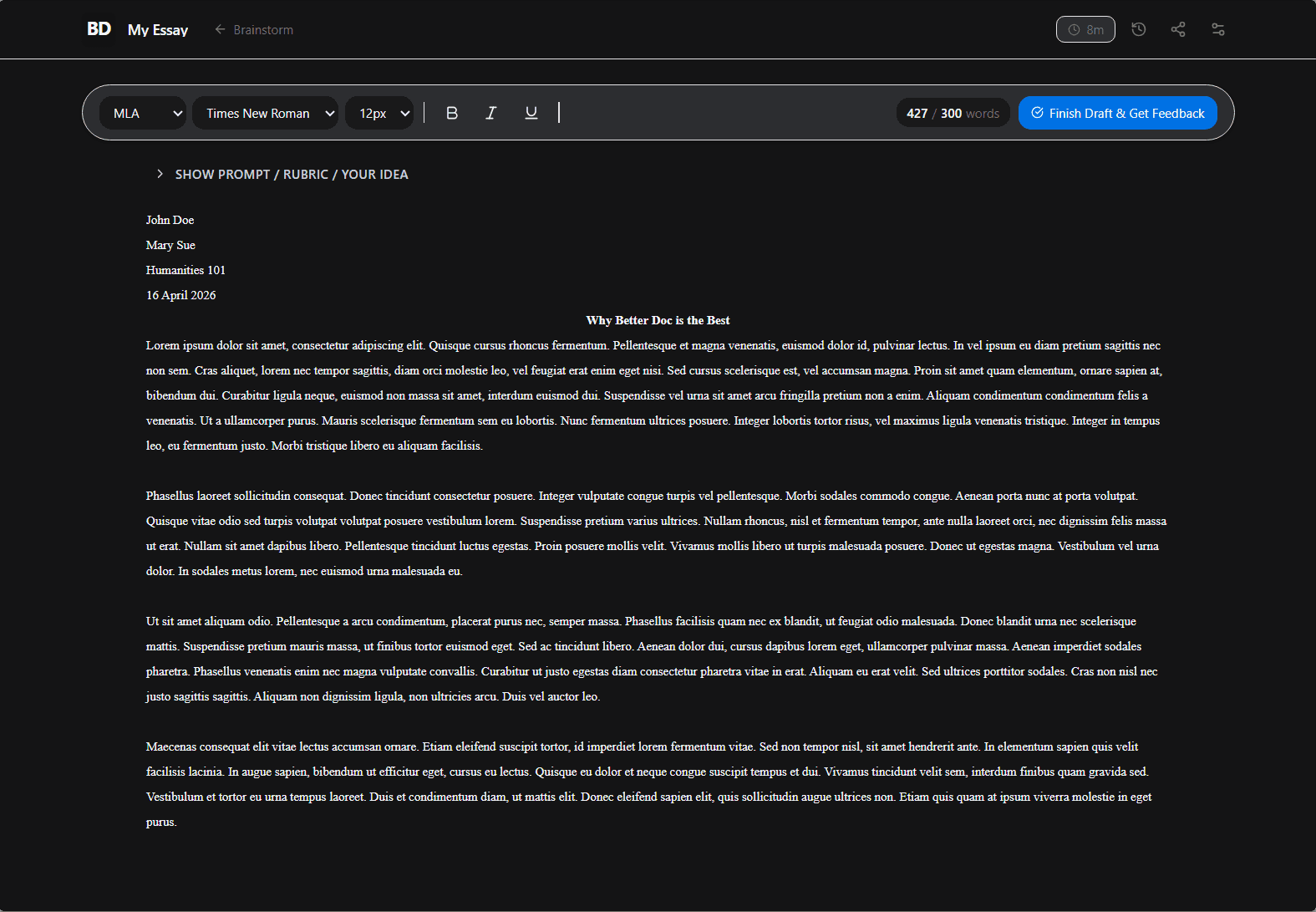
No distractions, no clutter. Better Doc keeps you focused on your ideas not the toolbar.
Grammar, citations, formatting, feedback. AI handles the tedious stuff so you don't have to think about it.
Custom themes, dark mode, clean typography. A writing environment you'll actually want to spend time in.
Paste your teacher's assignment code, or create a doc from scratch. You can include your teacher's prompt as well as a rubric.
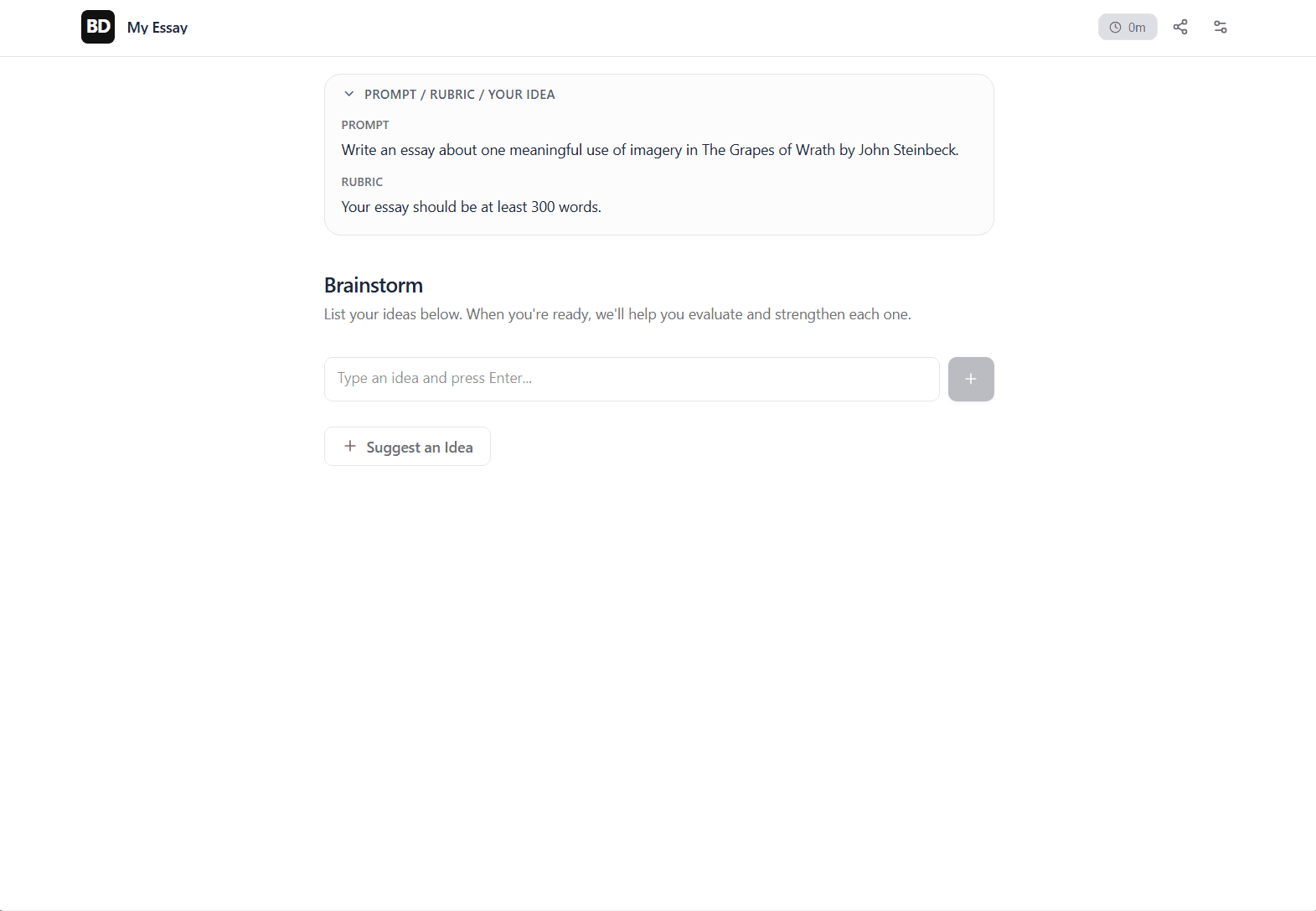
A space to throw out all of your ideas and get your thoughts down.
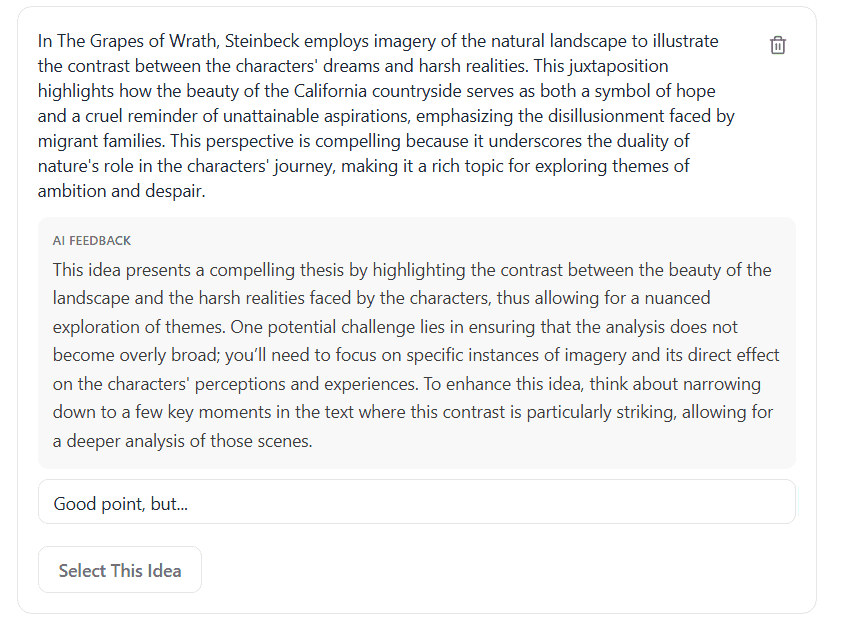
AI will critique and question your ideas, making sure you're ready to write. It's like having your teacher look over your thesis before you invest in writing the whole thing.
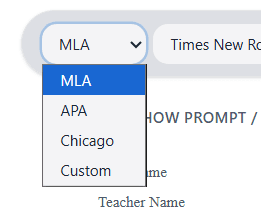
Better Doc supports MLA, APA, and Chicago formats. When you select a format, it will load the correct header, use the correct style, and ensure your citations follow the proper guidelines.
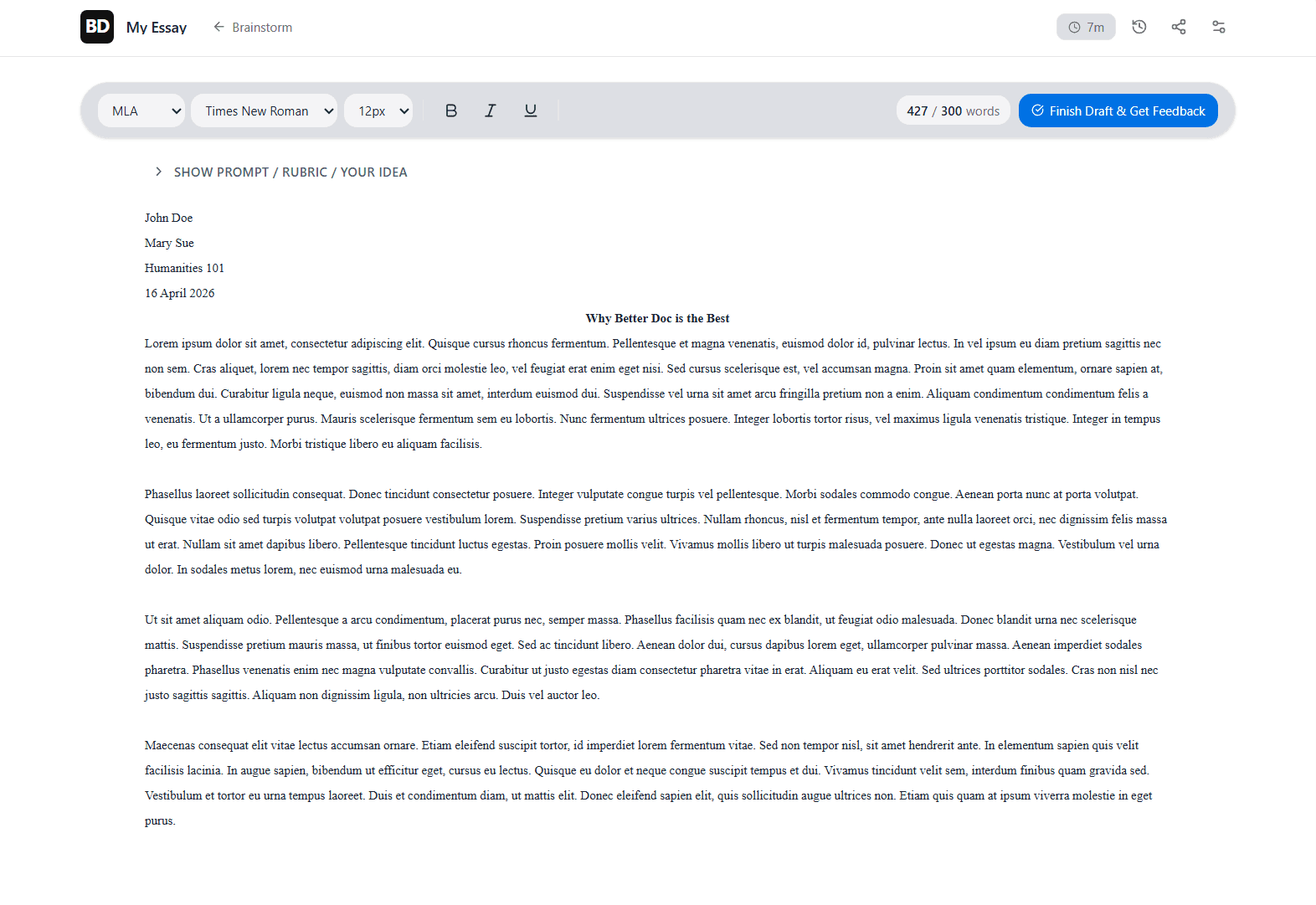
When writing with Better Doc, you write each draft, then get feedback. AI will give specific, helpful advice, suggest areas that need work, with which your essay for you. It will also estimate your draft's grade. When you're done, you can submit to your teacher, or copy and paste your essay if you're using an external LMS.
Sign up today. It's free. No credit card required. Works in your browser.
Sign Up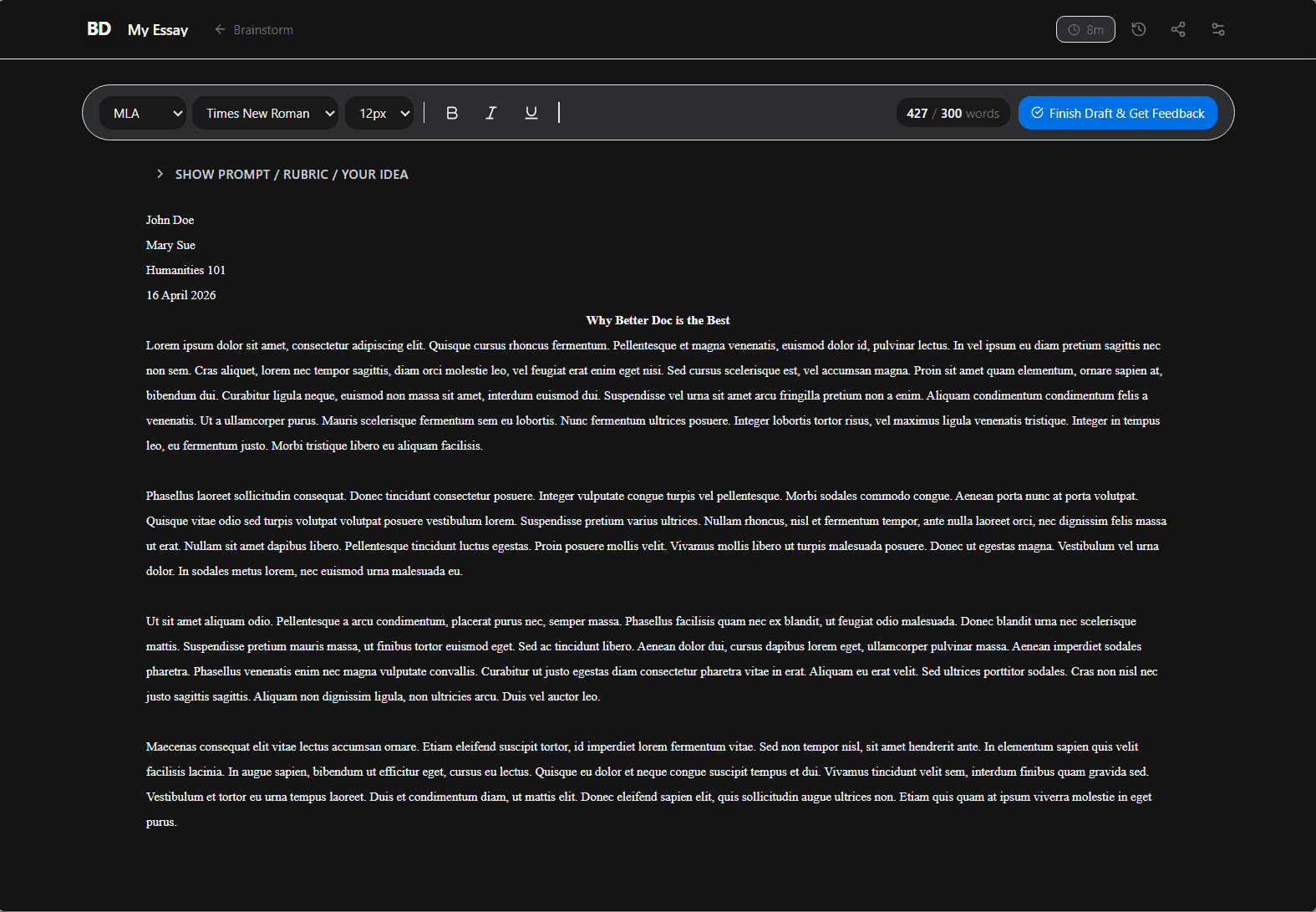
"I enjoyed the entire workflow of the app, it truly matched my supersonic workflow"
Qua1tum
"Fast and efficient, matched my workflow perfectly"
Dizzle